Protect WordPress logins, users and integrations
Use a password manager to generate a unique password of at least 16 characters for every account. Require two-factor authentication for Administrators, Editors and Shop Managers. WordPress core has no built-in 2FA, so choose a plugin updated within the past 12 months and tested with the current WordPress release, or use an identity provider such as Microsoft Entra ID.
| Control | Exact configuration |
|---|---|
| Users | Keep no more than 2-3 Administrators, issue separate named accounts, review access every 90 days and remove former users within 24 hours. |
| Login abuse | After 5 failed logins from one IP within 10 minutes, present a Cloudflare Managed Challenge on the next request to wp-login.php. |
| XML-RPC | Disable xmlrpc.php if Jetpack, the mobile app and remote publishing are unused. Otherwise limit it to 10 POST requests per minute per IP. |
Allowlist XML-RPC source addresses only when the integration provider publishes stable, documented IP ranges. If it does not, retain the 10-POST limit without an allowlist.
Assign the lowest workable role. For example, a Zapier workflow exporting WooCommerce orders should use a dedicated Shop Manager account, not an Administrator account. Enforce HTTPS across every page and redirect HTTP requests to HTTPS so login credentials and checkout data are encrypted in transit.
Use WordPress Application Passwords for API clients. Each is separately revocable; it must never replace the account password used for interactive wp-admin access.
What security in WordPress means and where the risks arise
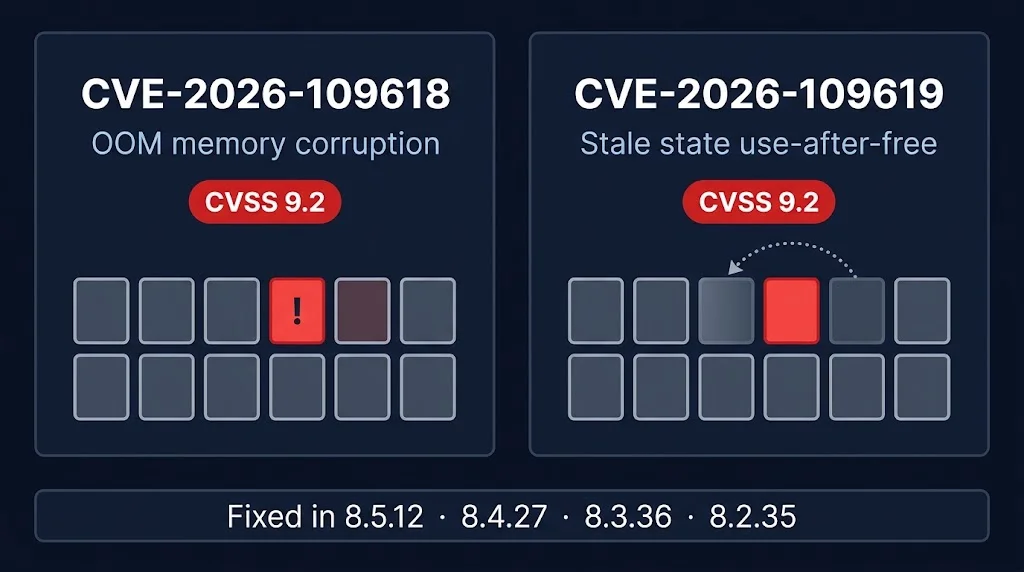
Treat security as a repeated cycle: reduce exposure, review alerts at least daily, contain confirmed incidents and test recovery every quarter. A one-off hardening pass fails when a plugin vulnerability is published the following week.
| Attack surface | Named scenario and control | Owner and evidence |
|---|---|---|
| Core, plugins, themes and integrations | Attackers exploit an outdated upload plugin or a compromised payment extension to inject PHP. Patch known-exploited flaws within 24 hours, after testing on a staging clone with the same WordPress and PHP versions. | WordPress maintainers publish core fixes. The site owner records application updates; the host provides daily malware-scan reports. |
| Administrator accounts and users' devices | Password spraying tries one reused password across many accounts. Require MFA, remove dormant accounts within 24 hours and review administrator membership monthly. | The site owner retains MFA status and account-review logs. |
| Database and files | Injected code can steal WooCommerce customer records. Use 644 for files, 755 for directories and a database user restricted to the site's own schema. | The host checks permissions weekly and records the result in a configuration report. |
| Hosting infrastructure | A bot flood can exhaust PHP workers or network capacity, causing denial of service; comment spam can also fill database tables. | The host reviews firewall, CPU and request-rate alerts daily, with timestamps in the monitoring system. |
Least privilege and separate site accounts limit containment scope, although automatic updates are unsuitable where an extension changes checkout behaviour; test those releases first. Keep an off-server daily backup for 30 days and complete a quarterly restore within a 24-hour RPO and 4-hour RTO.
Harden the hosting environment and block attacks upstream
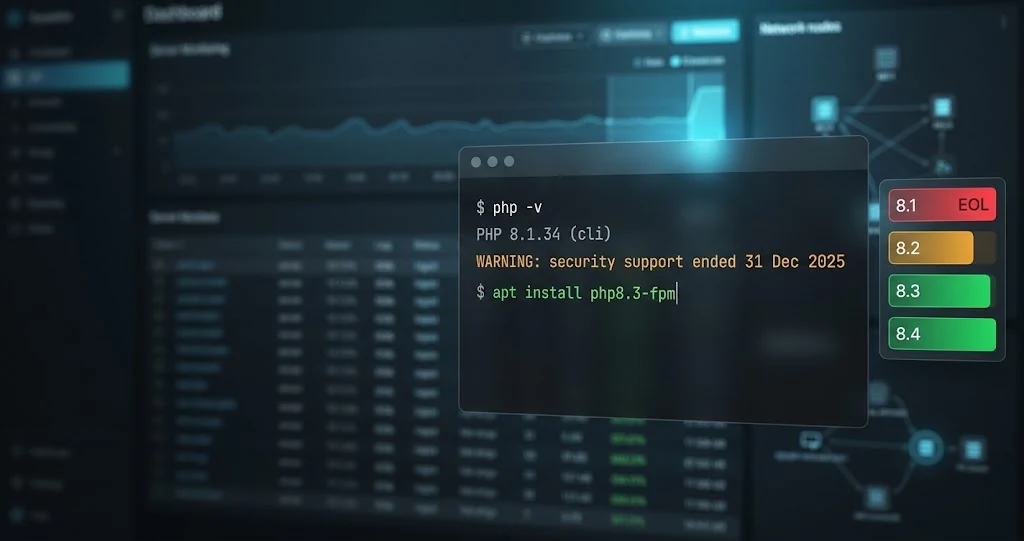
Run WordPress on vendor-supported PHP, web server, database and operating-system branches, and apply security updates weekly. As of July 2026, PHP 8.2-8.5 receive security fixes; Ubuntu 24.04 LTS has standard security maintenance until May 2029. Patch the whole stack: CVE-2024-4577 allowed remote code execution through PHP-CGI on affected Windows configurations.
| Control | Practical baseline |
|---|---|
| Files | Use 0755 for directories, 0644 for files and 0640 for wp-config.php. Assign code to a deployment user, with the PHP pool writing only to wp-content/uploads and named cache directories. |
| WordPress changes | DISALLOW_FILE_EDIT=true disables the built-in theme and plugin editors. DISALLOW_FILE_MODS=true also blocks dashboard installations and updates. For a controlled update, set the latter to false, deploy and test, then restore true. |
| Database | Give each site a separate account limited to its own schema. Do not grant SUPER, FILE or access to another tenant's database. |
| Network edge | Put a WAF and network-layer DDoS service before WordPress. A starting rule can limit wp-login.php to 5 failed attempts per IP in 10 minutes, with exclusions tested for trusted proxies. |
Use SSH or SFTP for server and file administration; WordPress dashboard access remains HTTPS. Permit SSH only from a named office CIDR, such as 203.0.113.0/28, or a WireGuard subnet, and allow TLS 1.2 or 1.3. Multi-tenant platforms should separate sites by Unix user, PHP-FPM pool and database account.
Test WAF and permission changes on staging. Broadly blocking admin-ajax.php, REST API routes or cross-site requests can break WooCommerce, plugins and Multisite administration.
Monitor, back up and recover a compromised WordPress site
Send WordPress, web-server, authentication and firewall logs to central storage, retained for 90 days. Alert on 10 failed logins from one IP within 5 minutes, any administrator creation or role change, extension installation, and PHP-file changes outside a documented release window. Approved core, theme and plugin updates modify PHP files, so suppress those alerts only during the recorded deployment period.
- Trigger an unusual-request alert when POST volume exceeds 3 times its 7-day baseline for 5 minutes.
- Combine 60-second availability checks with daily malware scans, hourly file-integrity checks and infrastructure metrics. Alert when available memory remains below 10% or disk I/O wait exceeds 20% for 10 minutes, or outbound traffic exceeds 2 times the normal hourly peak.
- Back up the database at least daily and site files daily or after each release. Keep encrypted copies outside the production account for 30-90 days, then complete a quarterly restore to an isolated server within 2 hours.
- Place the site in maintenance mode or restrict access at the load balancer, then preserve logs, disk snapshots and suspicious files for 90 days.
- Confirm the candidate backup predates the first malicious event in the logs. Identify the entry point before restoring it.
- Rotate hosting, WordPress, database, SFTP and API credentials, replace WordPress security keys, remove malicious code, patch the exploited component and restore the verified copy.
Deleting visible malware does not prove that scheduled tasks, administrator accounts or database payloads are clean. Repeat this checklist after every incident. Use managed hosting for continuous monitoring and tested backups; engage an incident-response specialist when payment data, personal data or more than one server may be affected.
Keep WordPress core, plugins and themes secure
WordPress normally installs minor security and maintenance releases automatically, although hosting policy and the WP_AUTO_UPDATE_CORE setting can change that behaviour. Review update status weekly. Schedule major WordPress releases and plugin or theme updates within 14 days, or within 48 hours when a published vulnerability affects the installed version.
| Change | Required check |
|---|---|
| Major WordPress or WooCommerce release | Test checkout, login and one admin edit in staging. |
| PHP branch change | Test cron, email delivery and error logs before deployment. PHP 8.2 receives security fixes only until 31 December 2026. |
| Payment gateway update | Place one sandbox order and confirm its database status and webhook response. |
Include PHP, the operating system, web server and database packages in the same weekly review. Before deployment, take a fresh database and file backup, restore it to staging, then open a named page and confirm a known order or user record. Starting a restore job proves little.
- Install extensions only from WordPress.org or a supplier with a public changelog, a release within the past 12 months, and stated compatibility with the installed WordPress and PHP versions.
- Monitor published vulnerability feeds daily and replace extensions that are abandoned, incompatible, or unpatched after 30 days.
- Delete unused plugins and themes; deactivation leaves their PHP files on the server.
Avoid nulled or pirated packages because their source, modifications and update chain cannot be verified against the supplier's signed or published release.