
OpenClaw, your own assistant gateway
A personal AI assistant platform that connects to WhatsApp, Telegram, Slack, Discord and more through a central Gateway. Bring your own AI provider key to onboard it.
What is OpenClaw?
OpenClaw is a personal AI assistant platform designed to run on infrastructure you control and integrate with the messaging apps you already use, WhatsApp, Telegram, Slack, Discord, Google Chat, Signal and iMessage, through a central Gateway. It supports voice, a Canvas interface, camera access, and device-local actions through companion apps. OpenClaw is MIT-licensed under the nonprofit OpenClaw Foundation, built primarily with Node.js/TypeScript as a pnpm monorepo (requires Node 22.22.3+, 24.15+ or 25.9+), and maintained under the GitHub organization openclaw.
One assistant, every channel you use
Central Gateway
One Gateway process routes your AI assistant across every connected messaging channel.
Multi-channel messaging
Connects to WhatsApp, Telegram, Slack, Discord, Google Chat, Signal and iMessage.
Control UI dashboard
A web dashboard for managing models, channels and the Gateway after onboarding.
Voice & Canvas
Supports voice interaction and a Canvas interface, not just text chat.
Device-local actions
Camera access and device-local actions through companion apps.
Any model provider
Configure the AI provider of your choice during onboarding, not locked to one vendor.
OpenClaw needs your own AI provider API key to respond, this VPS ships the software installed and version-verified, not a pre-activated assistant.
How does OpenClaw get installed on this VPS?
Ordering an OpenClaw VPS triggers an automated first-boot script, you only need to onboard with your own AI provider key afterward.
- 1 Choose a plan Pick Agent Starter, Pro or Scale, OpenClaw installs the same on all three.
- 2 VPS provisions on dedicated vCPU + NVMe A dedicated KVM VPS is created with your chosen vCPU/RAM/storage, full root access.
- 3 Node.js 22 + OpenClaw install automatically The first-boot script installs Node.js 22 via NodeSource, then OpenClaw globally via `npm install -g openclaw@latest`.
- 4 Onboard with your API key SSH in and run `openclaw onboard --install-daemon` to verify model access and configure the Gateway.
- 5 Manage it from the dashboard Run `openclaw dashboard` to manage models, connected channels and the Gateway.
Why not just install it yourself?
| What's needed | TOSHOST OpenClaw VPS | Manual self-host |
|---|---|---|
| Install Node.js 22 + OpenClaw | Automatic at first boot | You install & manage each dependency |
| Correct Node.js version (22.22.3+/24.15+/25.9+) | Pinned automatically | You track version requirements yourself |
| Time to a ready install | A few minutes | Usually 20-40+ minutes |
| Underlying hardware | Dedicated vCPU + NVMe | Depends on your provider |
| Support if setup goes wrong | 24/7 TOSHOST support | Community/GitHub issues only |
Common OpenClaw use cases
Personal assistant on your terms
An AI assistant reachable from WhatsApp or Telegram, running on infrastructure you own, not a third party.
Team messaging assistant
One Gateway serving a Slack or Discord workspace with a consistent assistant across channels.
Voice + Canvas workflows
Use voice interaction or the Canvas interface for tasks beyond plain text chat.
Privacy-conscious deployment
For anyone who wants assistant capability without routing conversations through a third-party SaaS.
OpenClaw VPS pricing
Every plan ships with OpenClaw pre-installed on dedicated vCPU + NVMe, you only pay separately for your AI provider's API usage.
Agent Starter
For one always-on assistant
$29.00
- 2 Dedicated vCPU
- 4 GB RAM
- 80 GB NVMe SSD
- 4 TB Bandwidth
- OpenClaw pre-installed
- Node.js 22 included
- Full root access
Agent Pro
The sweet spot for daily use
$55.00
- 4 Dedicated vCPU
- 8 GB RAM
- 160 GB NVMe SSD
- 8 TB Bandwidth
- OpenClaw pre-installed
- Node.js 22 included
- Priority support
Agent Scale
Multiple channels & heavier use
$99.00
- 6 Dedicated vCPU
- 16 GB RAM
- 320 GB NVMe SSD
- Unmetered Fair-Use
- OpenClaw pre-installed
- Node.js 22 included
- Dedicated support
Prices in USD. Renewal at standard rates.
OpenClaw + n8n + Hermes Agent, on one VPS
The same VPS that runs OpenClaw can also run n8n and Hermes Agent together, see the full AI Agent VPS bundle.
AI assistant tips & guides
Everything about running a self-hosted AI assistant on your own infrastructure.
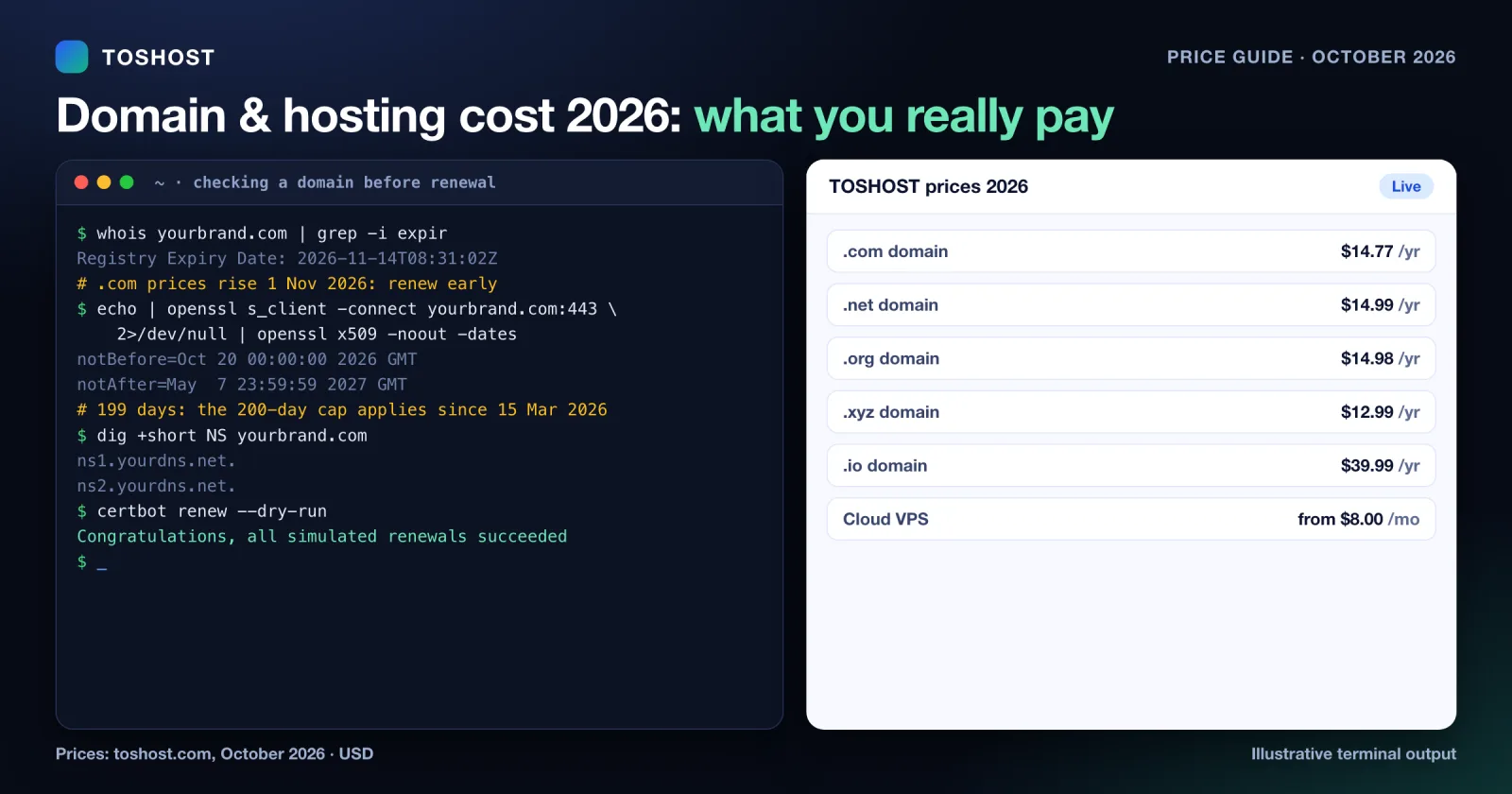
Domain and Hosting Cost 2026: Real Prices and Renewals
Domain and hosting prices in 2026: current yearly prices for .com, .net, .org, .co.uk, .xyz, .dev, .shop, .io...
Oct 28, 2026 Read →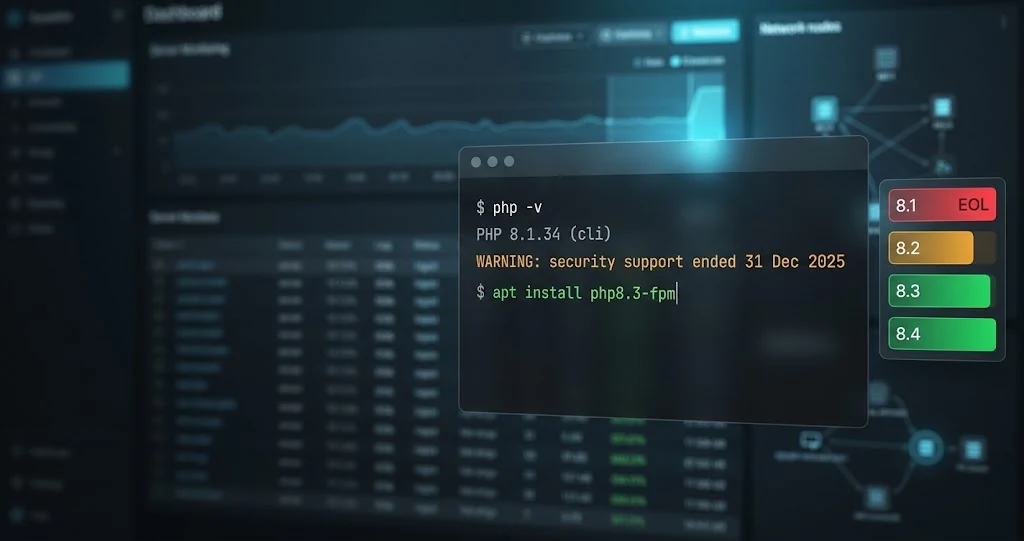
PHP 8.1 End of Life: What to Do Now (Upgrade Guide for Server Admins)
PHP 8.1 end of life was 31 December 2025. See what it means for your servers and how to inventory, test and up...
Oct 24, 2026 Read →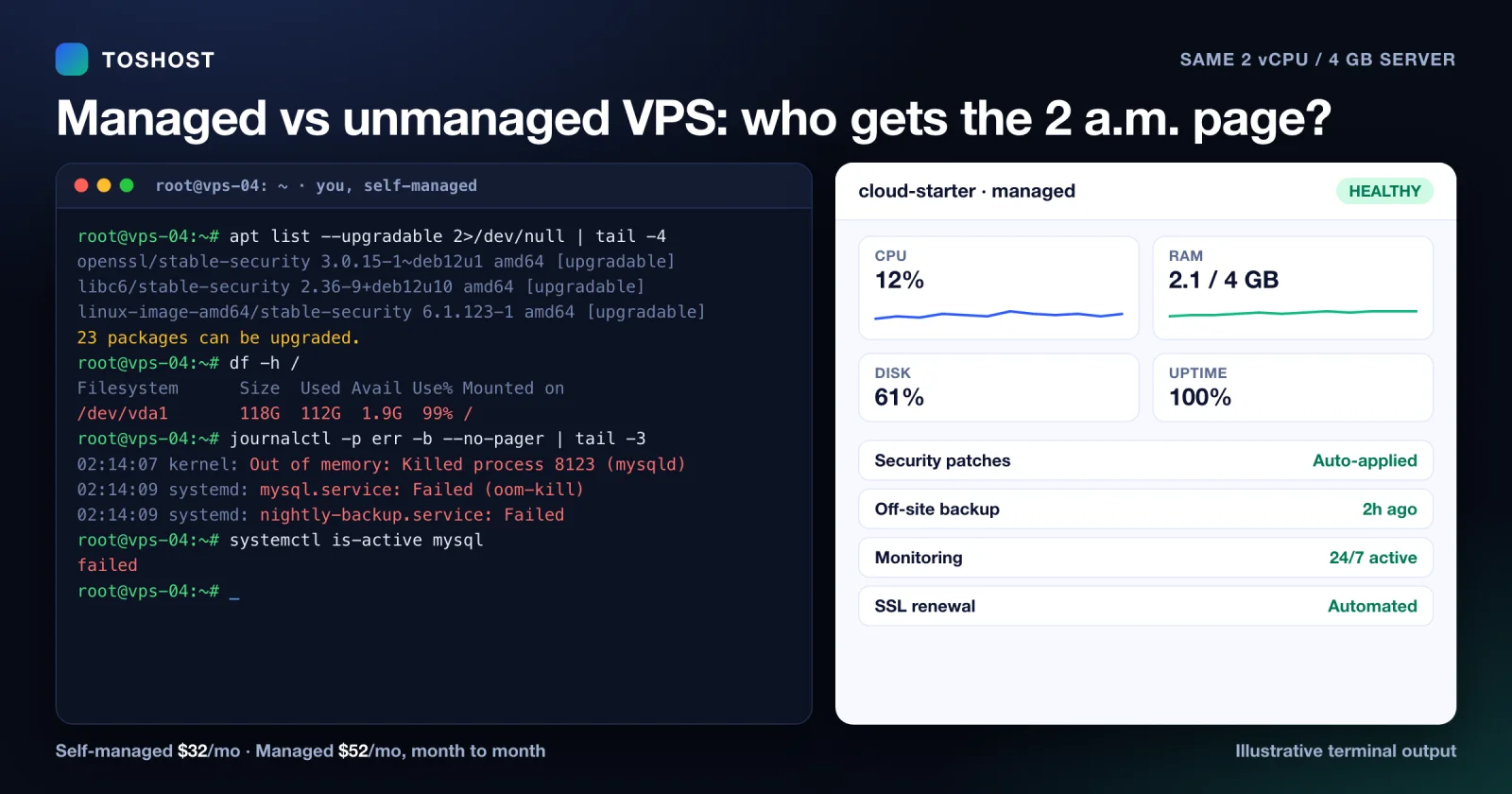
Managed vs Unmanaged VPS: What It Really Costs You (2026)
Managed versus unmanaged VPS in 2026: the maintenance work an unmanaged server puts on you, what a managed VPS...
Oct 2, 2026 Read →Everything you want to know
OpenClaw, installed and version-verified.
Bring your own AI provider key and onboard on dedicated vCPU + NVMe.