
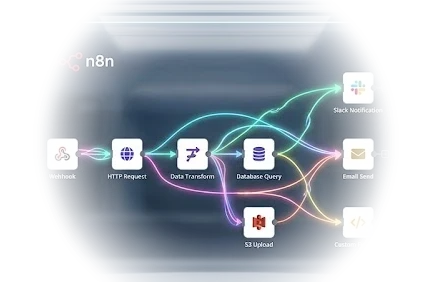
Managed n8n Hosting, Built for Performance.
Deploy a production-ready, self-hosted n8n instance in minutes. Dedicated vCPU + NVMe, full root access, zero noisy neighbors.
n8n VPS pricing
Every plan ships with n8n pre-installed and running on dedicated vCPU + NVMe, no separate n8n license fee.
Agent Starter
For one always-on n8n instance
$29.00
- 2 Dedicated vCPU
- 4 GB RAM
- 80 GB NVMe SSD
- 4 TB Bandwidth
- n8n pre-installed via Docker
- Docker CE included
- Full root access
Agent Pro
The sweet spot for real workflows
$55.00
- 4 Dedicated vCPU
- 8 GB RAM
- 160 GB NVMe SSD
- 8 TB Bandwidth
- n8n pre-installed via Docker
- Docker CE included
- Priority support
Agent Scale
Heavy workflows & many executions
$99.00
- 6 Dedicated vCPU
- 16 GB RAM
- 320 GB NVMe SSD
- Unmetered Fair-Use
- n8n pre-installed via Docker
- Docker CE included
- Dedicated support
Prices in USD. Renewal at standard rates.
What is n8n?
n8n is a fair-code workflow automation platform that lets you build automations by connecting apps, APIs and databases through a visual, node-based editor. It ships with over 400 built-in integrations and native AI-agent nodes, and lets you drop into JavaScript or Python for custom logic whenever a pre-built node isn't enough. n8n is licensed under the Sustainable Use License ("fair-code"), is fully self-hostable, and is maintained by n8n GmbH under the GitHub organization n8n-io.
Built for real automation, not toy demos
Visual workflow editor
Drag nodes onto a canvas and connect them, triggers, actions, conditionals and loops, all visual.
400+ integrations
Pre-built nodes for the apps, databases and APIs teams already use, Slack, Google Sheets, Postgres, HTTP requests and more.
Native AI-agent nodes
Wire in an LLM, memory and tools directly inside a workflow, build an AI agent as one node among many.
Code when you need it
Drop a JavaScript or Python code node into any workflow for logic no pre-built node covers.
Webhook & API triggers
Start a workflow from an incoming webhook, a schedule, a form submission, or another workflow.
Self-hosted, your data
Runs entirely on your own VPS, workflow data, credentials and execution history never leave your server.
How does n8n get installed on this VPS?
Ordering an n8n VPS triggers an automated first-boot script, there is no manual setup step and no support ticket required.
- 1 Choose a plan Pick Agent Starter, Pro or Scale based on expected workflow volume, all three ship the same install.
- 2 VPS provisions on dedicated vCPU + NVMe A dedicated KVM VPS is created with your chosen vCPU/RAM/storage, full root access, nothing shared.
- 3 Docker CE installs automatically The first-boot script installs Docker CE + the compose plugin via the official get.docker.com installer.
- 4 n8n starts as a persistent service The official docker.n8n.io/n8nio/n8n image runs via Docker Compose with a persistent volume and a restart-always policy.
- 5 Open the editor Visit http://<your-server-ip>:5678, n8n's web UI is ready, typically within a few minutes of the order completing.
Why not just install it yourself?
You can absolutely self-host n8n on any VPS, here's what TOSHOST's auto-deployed n8n VPS saves you.
| What's needed | TOSHOST n8n VPS | Manual self-host |
|---|---|---|
| Install Docker + n8n | Automatic at first boot | You install & configure it |
| Time to a running instance | A few minutes | Usually 30-60+ minutes |
| OS & security patching | Your own root access, patch anytime | Your own root access, patch anytime |
| Underlying hardware | Dedicated vCPU + NVMe | Depends on your provider |
| Backups | Automated VPS-level backups included | You set up your own backup process |
| Support if setup goes wrong | 24/7 TOSHOST support | Community forums only |
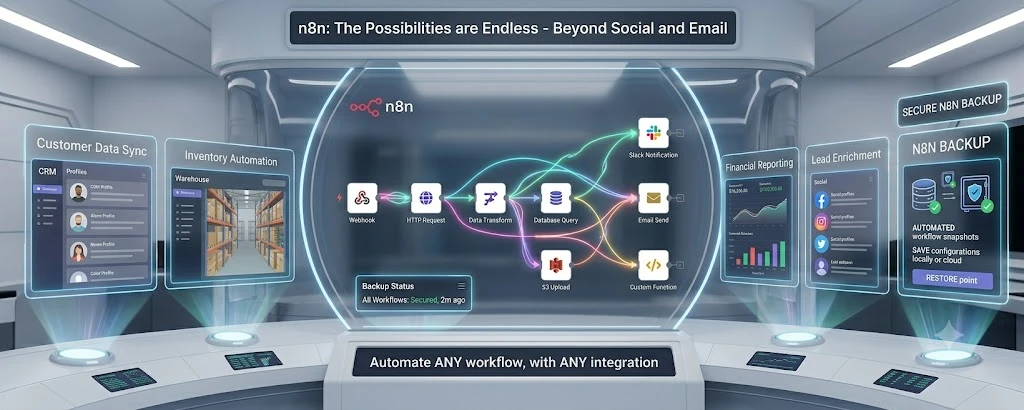
Every plan includes automated backups covering your whole VPS, n8n itself, its workflows, credentials and execution history, so a bad change or a server issue is a restore away, not a rebuild.
Common n8n workflows
Ops automation
Sync leads from a form into a CRM, notify a Slack channel, and create a follow-up task, all in one workflow.
AI agent pipelines
Chain an LLM call with tool nodes and memory to build a working AI agent as a visual workflow.
Data sync
Keep two systems (e.g. a database and a spreadsheet) in sync on a schedule, without writing a sync script.
Internal tooling
Build a webhook-triggered internal tool, approvals, alerts, report generation, without a full app.
Can n8n automate my marketing tasks?
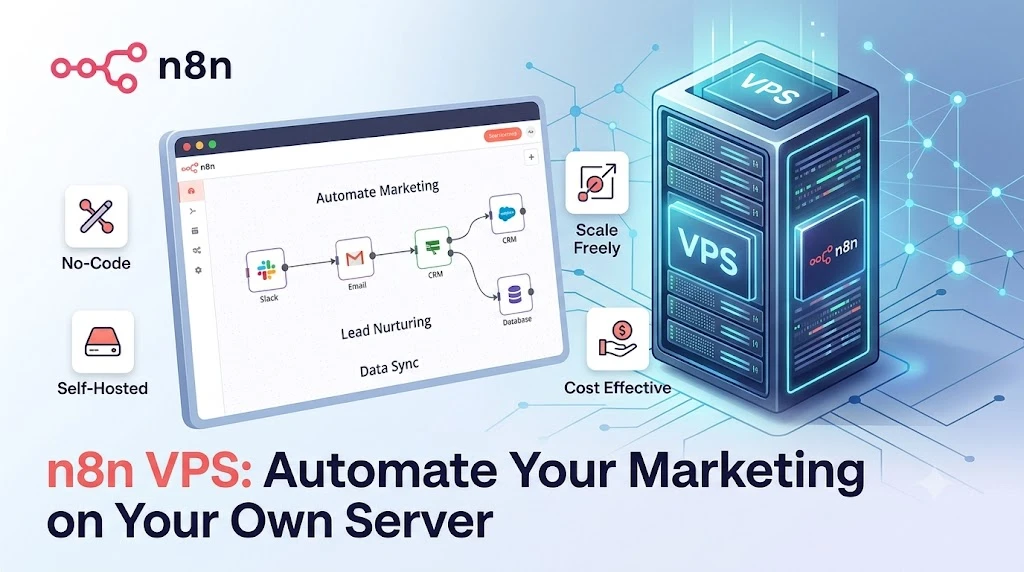
Yes, n8n can automate marketing workflows such as lead capture, lead nurturing and CRM data sync, using its Slack, Email, HTTP Request and database nodes together in one no-code flow. A typical setup: a form submission or webhook triggers n8n, which posts a Slack notification, sends a follow-up email, and writes the lead into your CRM or database, all without a line of code. Because it runs on your own dedicated VPS, there's no per-execution SaaS fee and no rate limit beyond your own server's capacity.
Can n8n automate social media posting?
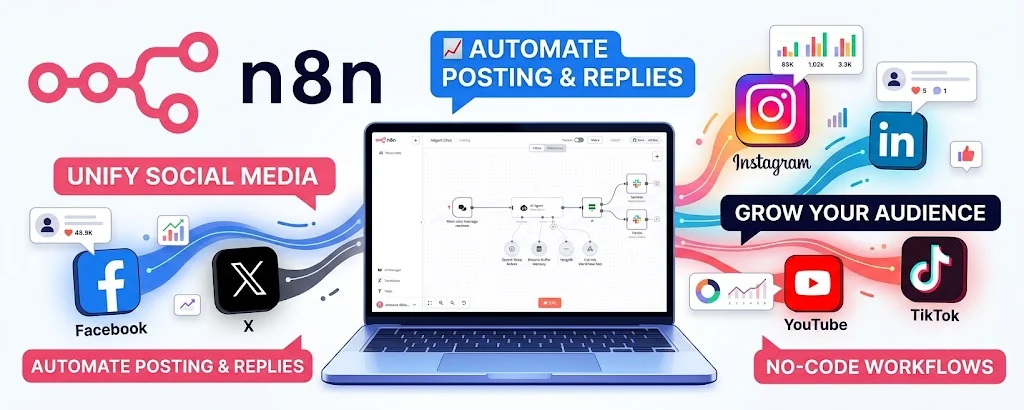
Yes, n8n can automate social posting and reply workflows for channels like Facebook, X, Instagram, LinkedIn, YouTube and TikTok, using n8n's HTTP Request node against each platform's own API (plus any official or community nodes available for that platform). A single no-code workflow can publish a post to multiple channels at once, log engagement numbers, and route new comments or DMs into a Slack channel for your team to reply to, all running on your own VPS instead of a third-party social scheduler.
What else can n8n automate?
n8n isn't limited to marketing, its HTTP Request, Webhook and 400+ integration nodes let you automate workflows across customer data, inventory, finance, sales and IT operations, all on the same VPS.
Customer data sync
Keep CRM profiles in sync with your database or support tool on a schedule, no custom sync script needed.
Inventory automation
Trigger a reorder alert or update stock levels across systems whenever a warehouse database changes.
Financial reporting
Pull numbers from multiple sources on a schedule and post a formatted report to Slack or email.
Lead enrichment
Enrich a new lead with data from an HTTP API the moment it hits your CRM or webhook.
IT ops alerts
Poll a server or service health endpoint and notify your team the moment something goes down.
Custom functions
Drop a JavaScript or Python code node into any workflow for logic no pre-built node covers.
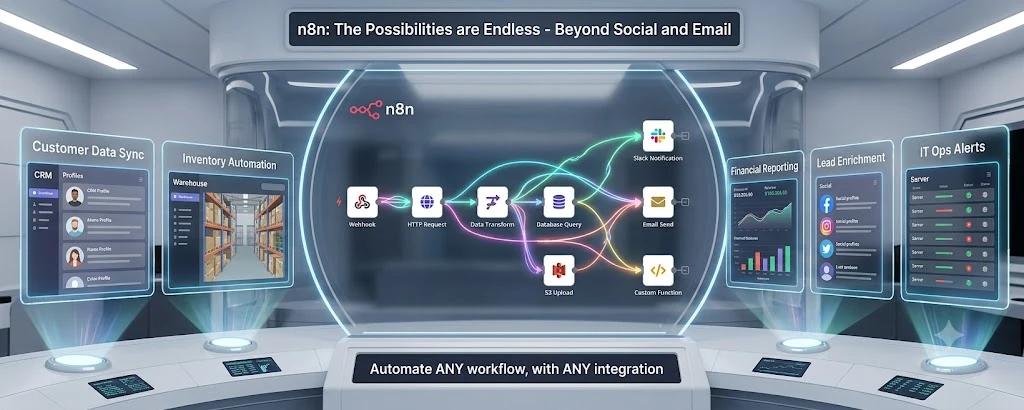
Every workflow you build, plus its credentials and execution history, runs on your own VPS and is covered by the same automated backups included with every TOSHOST plan.
n8n + Hermes Agent + OpenClaw, on one VPS
The same VPS that runs n8n can also run Hermes Agent and OpenClaw together, see the full AI Agent VPS bundle.
n8n tips & guides
Everything about running self-hosted n8n workflows on your own infrastructure.
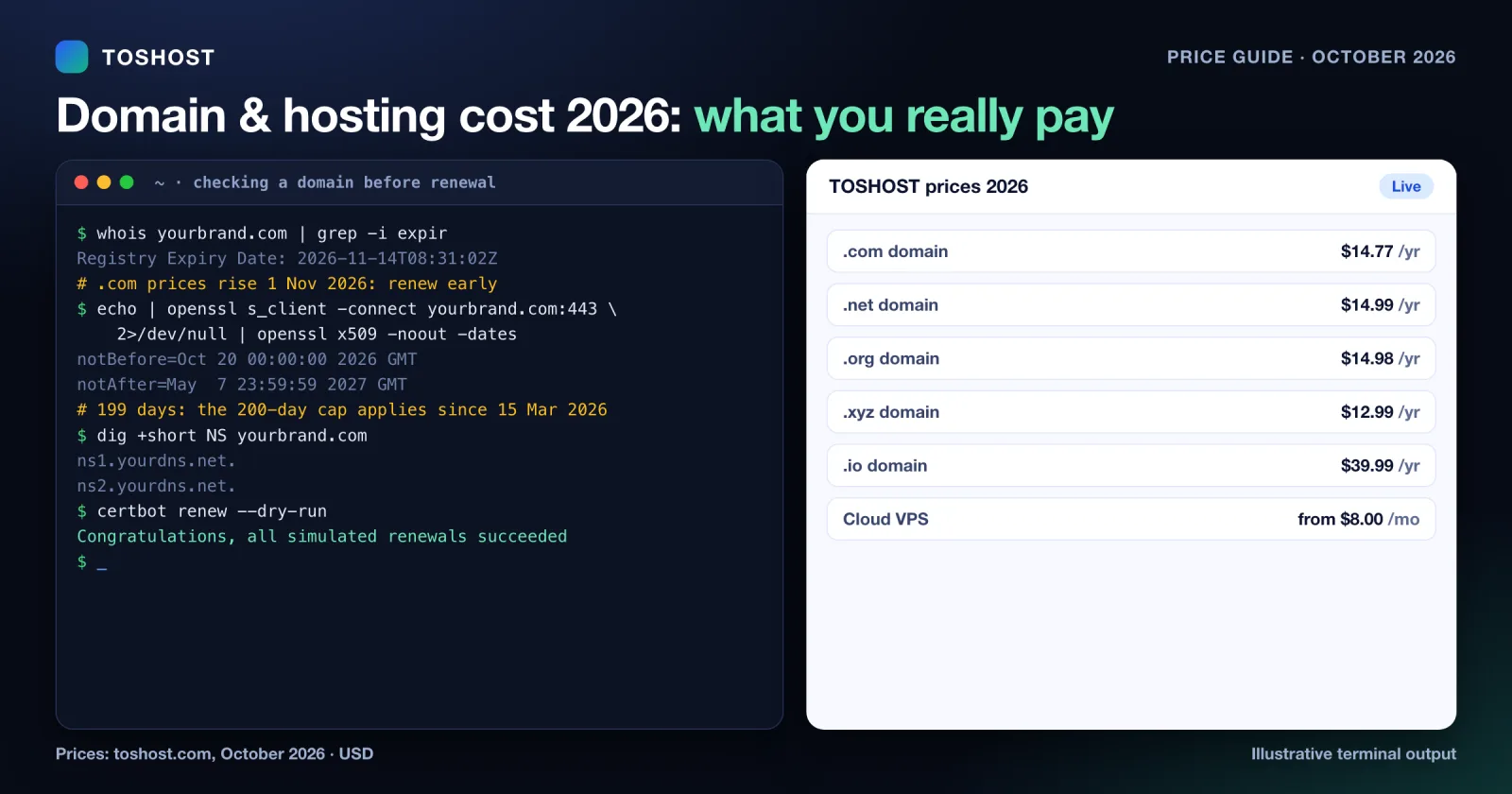
Domain and Hosting Cost 2026: Real Prices and Renewals
Domain and hosting prices in 2026: current yearly prices for .com, .net, .org, .co.uk, .xyz, .dev, .shop, .io...
Oct 28, 2026 Read →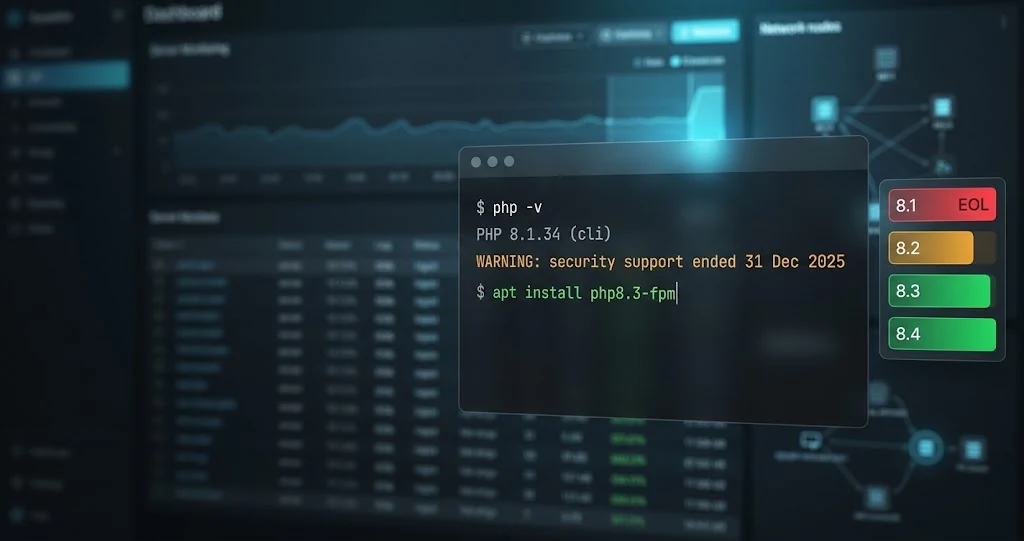
PHP 8.1 End of Life: What to Do Now (Upgrade Guide for Server Admins)
PHP 8.1 end of life was 31 December 2025. See what it means for your servers and how to inventory, test and up...
Oct 24, 2026 Read →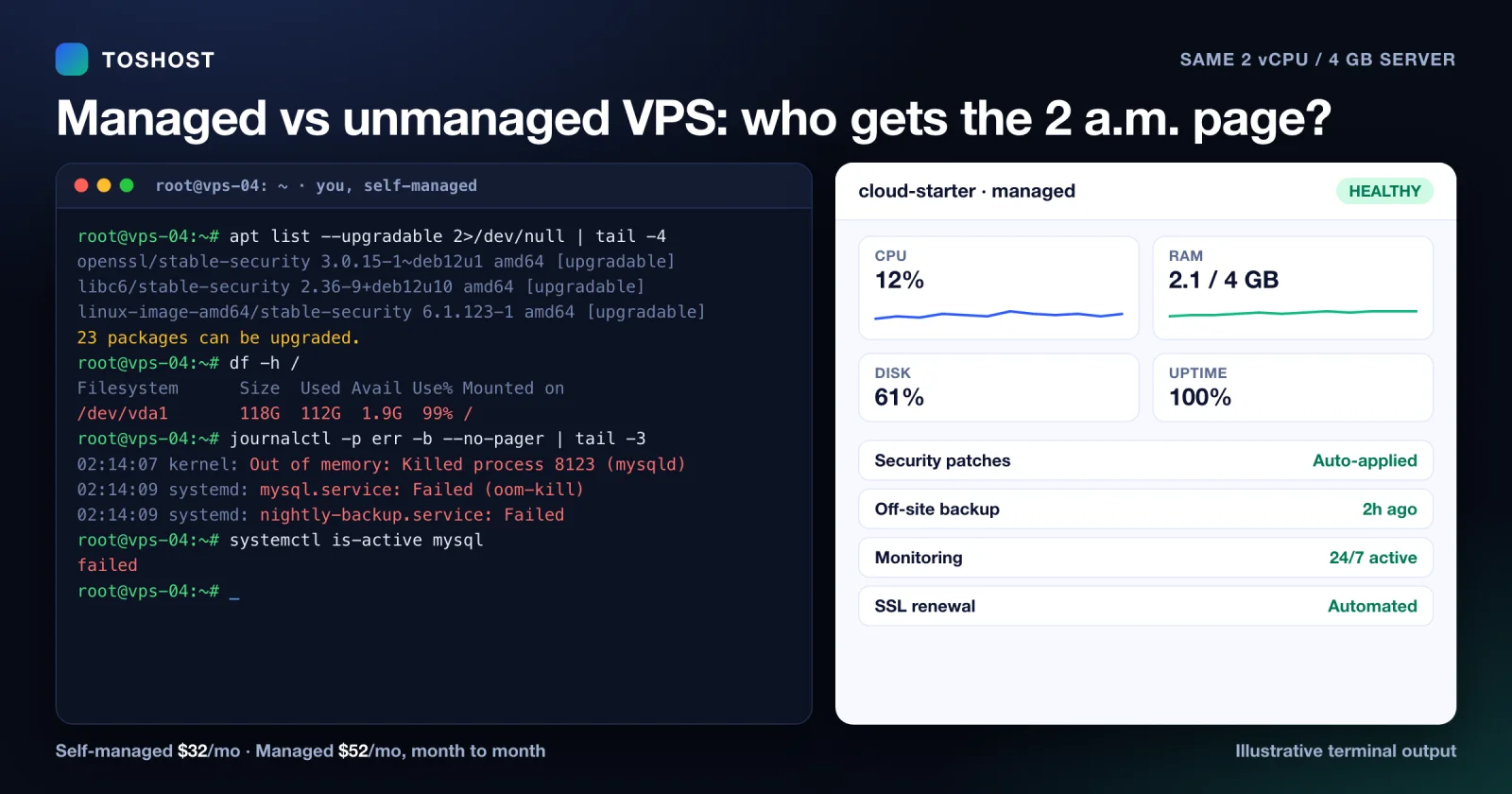
Managed vs Unmanaged VPS: What It Really Costs You (2026)
Managed versus unmanaged VPS in 2026: the maintenance work an unmanaged server puts on you, what a managed VPS...
Oct 2, 2026 Read →Everything you want to know
Your n8n instance, running in minutes.
Self-hosted, auto-deployed, on dedicated vCPU + NVMe.